Local streaming (SD card)
When using the local streaming option, the data is streamed to a file on the Red Pitaya SD card. This option is useful for applications where the data needs to be stored locally for later analysis or processing.
Configure the stream properties & click Start
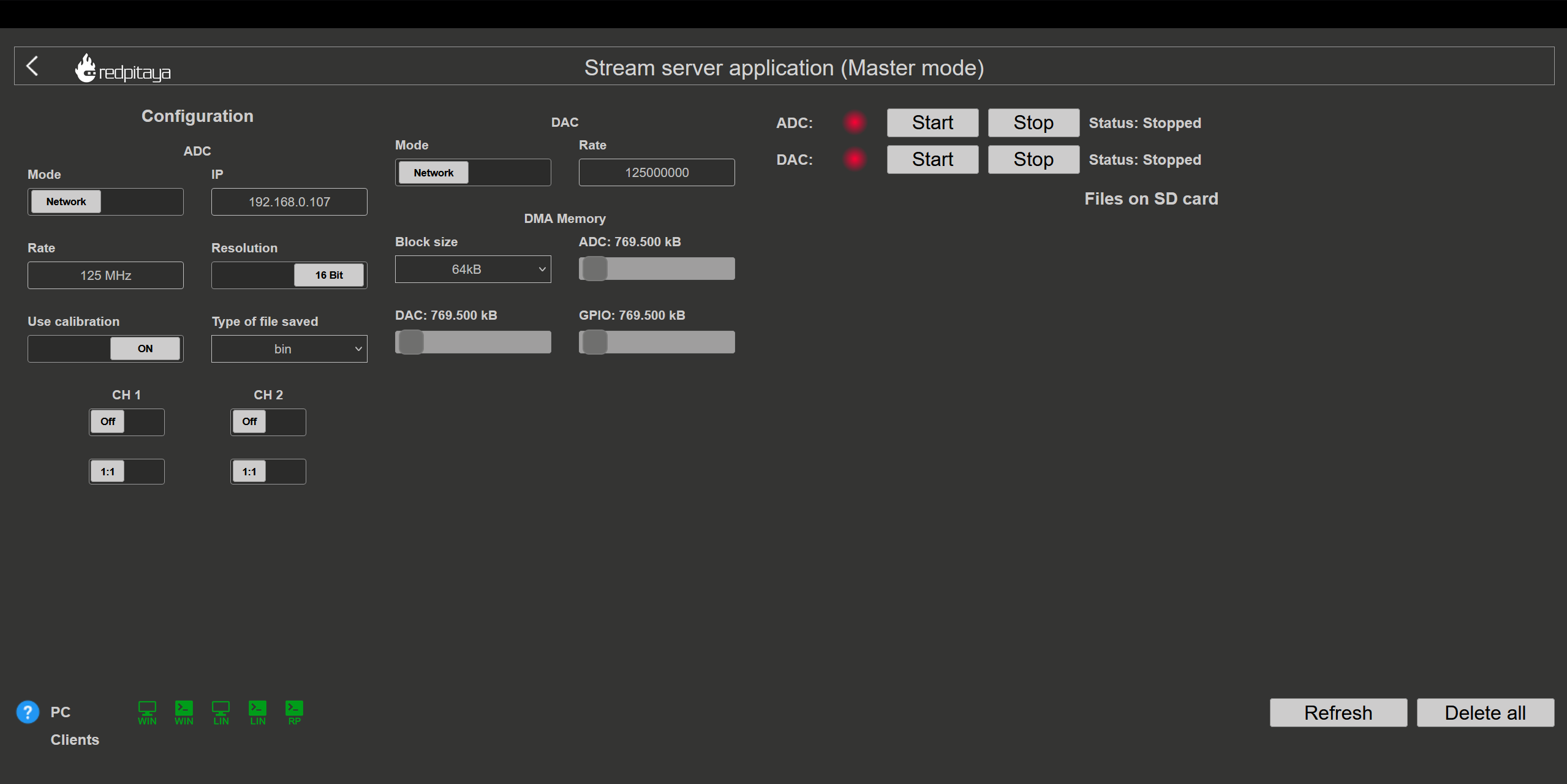
Example: streaming on CH1 and CH2, 8-bit resolution, 100 ksps into WAV file format
Press Stop to stop streaming
Check the Files on SD card section for the data files. Each data file has three buttons:
Log - data log of the specific stream,
Lost - report on lost packets,
Download - collected data stream.
Click on the selected file to download it from Red Pitaya to the computer.
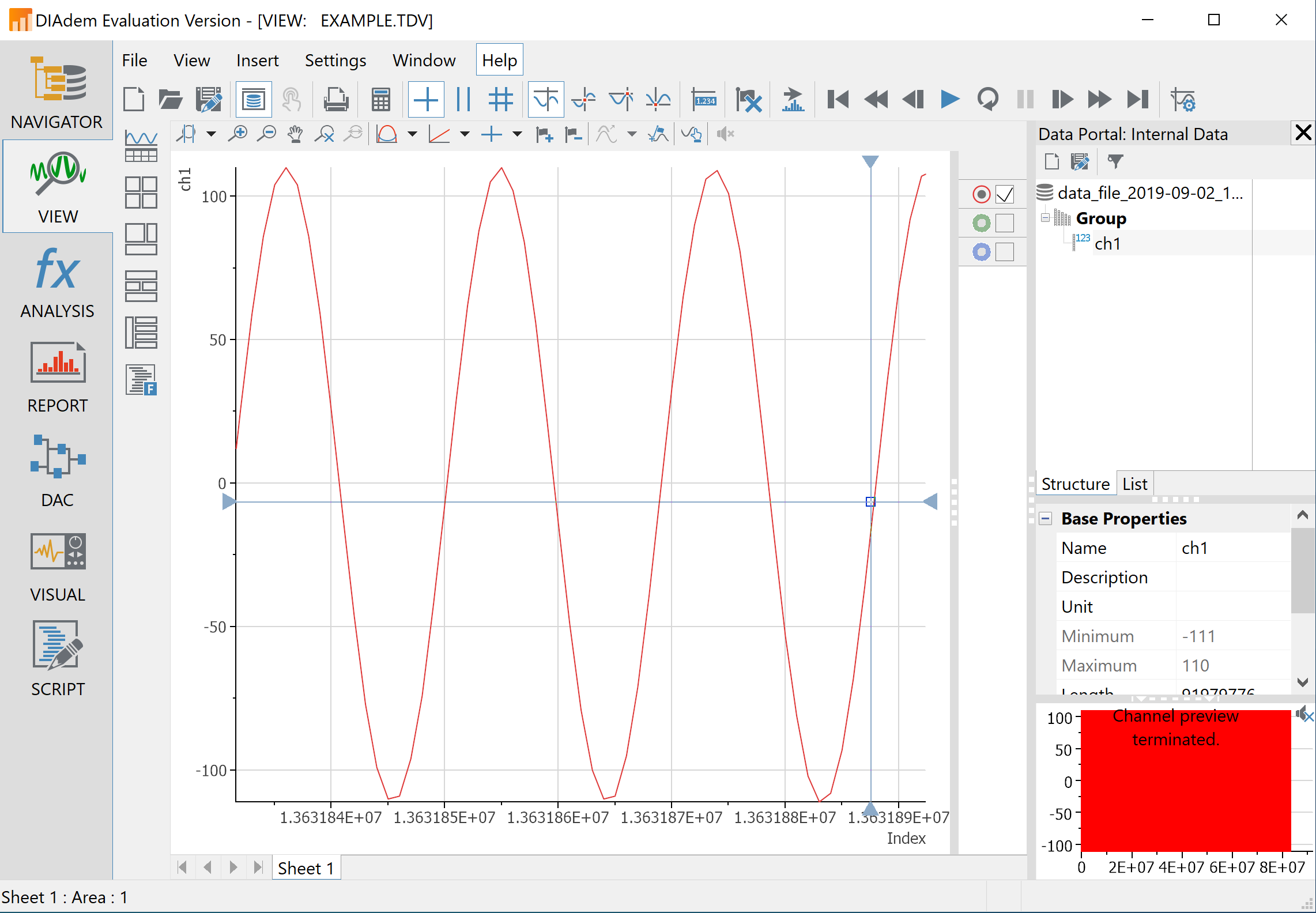
Open the file in a program that supports the selected file format, visualisation, and processing, such as DIAdem for TDMS files, or Audacity for WAV.
Configure the stream propertie & click Run
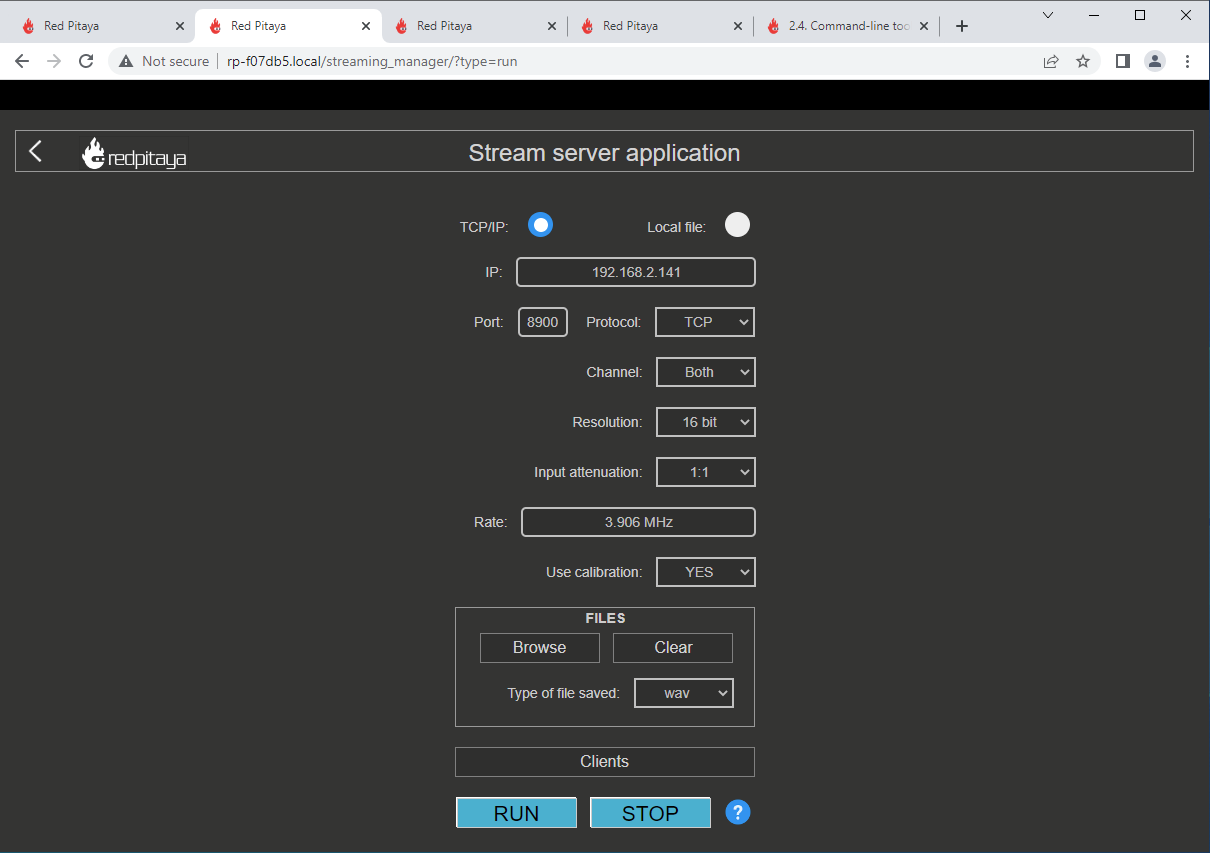
Example: streaming on CH1, 8-bit resolution, 5.208 MS/s into TDMS file format
Press STOP to stop streaming
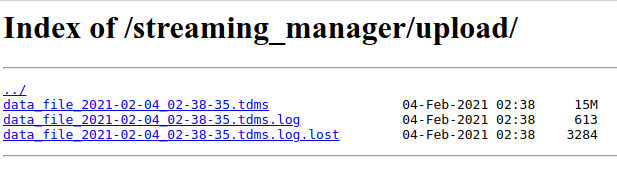
Click Browse to open the data file directory. Each data stream is split into three sections:
DATA - collected data stream,
.log - data log of the specific stream,
.log.lost - report on lost packets.
Click on the selected file to download it from Red Pitaya to the computer.
Open the file in a program that supports the selected file format, visualisation, and processing, such as DIAdem for TDMS files, or Audacity for WAV.