2.4. Update Red Pitaya OS
Red Pitaya OS can be upgraded by:
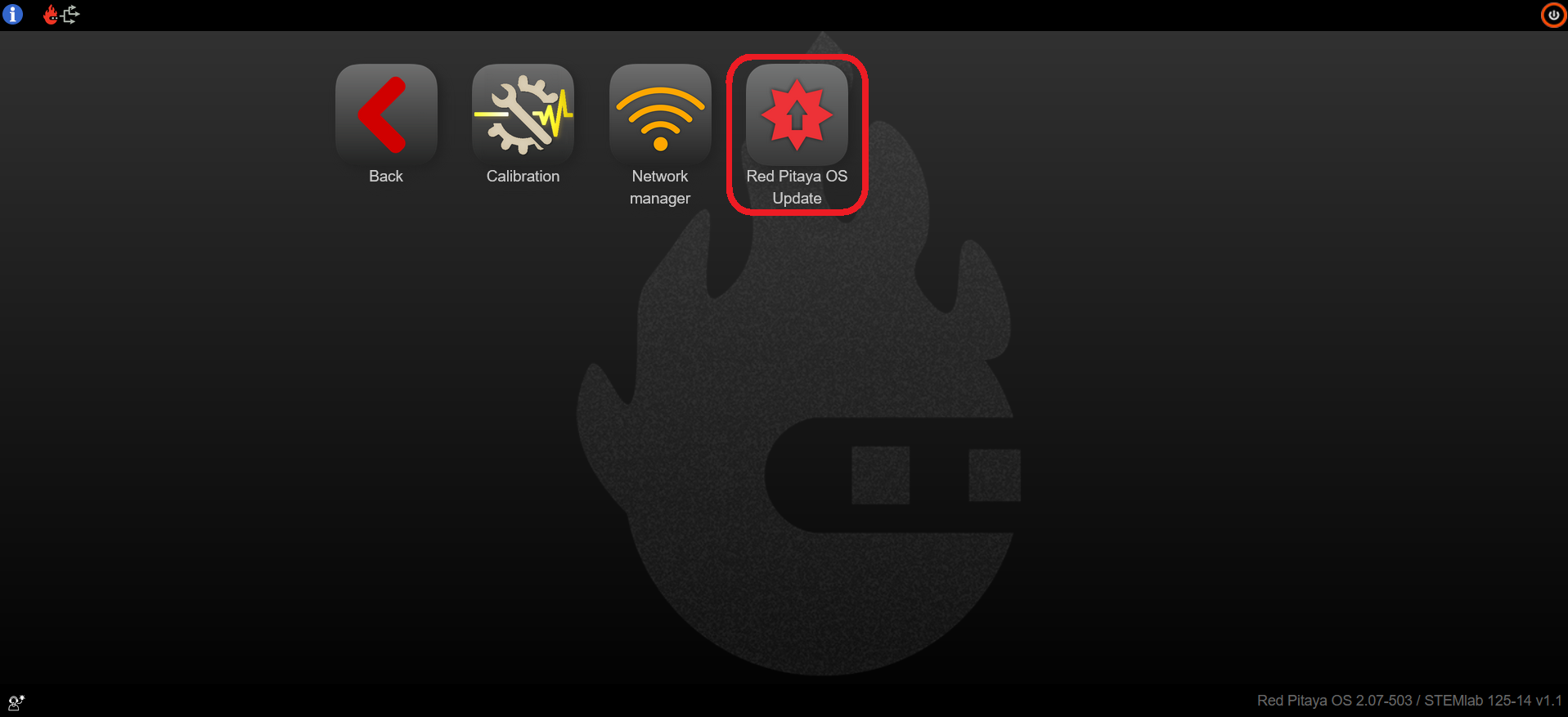
The Software update manager application, which can be accessed from the main web interface by clicking on the ecosystem version label in the bottom right corner, or by opening the System menu. Instructions for updating the operating system using the Software Update Manager are described in the Software update manager section.
This method requires an Internet connection on the Red Pitaya board. See the Network manager section for more information on how to connect your Red Pitaya board to the Internet.
Can only upgrade the ecosystem version, not the Linux version.
Manually update the OS by downloading the latest SD card image from the Red Pitaya website and flashing it to the SD card. Instructions for manually updating the OS are described in the prepare SD card section.
The Updater command line tool can be used to automatically update the nightly build ecosystem version. For more information on using the updater command line tool, refer to the ecosystem update utility section.
We recommend manually updating the operating system, as it is common for the Linux operating system to change between official OS releases.