Streaming data to Raspberry Pi Linux
Downloading and extracting the Red Pitaya rpsa streaming client onto the Raspberry Pi board allows you to access the streamed data from Python code running directly on the Raspberry Pi.
Note
The functionality of the streaming client on Raspberry Pi is the same as on Red Pitaya. However, it is important to note that the performance of the streaming process may vary depending on the hardware capabilities of the Raspberry Pi board. It is recommended to check the system requirements and performance benchmarks for the streaming client on Raspberry Pi before using it for data acquisition.
The streaming speeds may be lower on Raspberry Pi compared to Red Pitaya due to differences in hardware capabilities, such as CPU performance, memory, and network interface. It is recommended to test the streaming performance on the specific Raspberry Pi model being used and adjust the streaming settings accordingly to achieve optimal performance.
Download the “Red Pitaya command line streaming client” from the Data stream control web interface. The client is located on the board itself and can be downloaded from there.
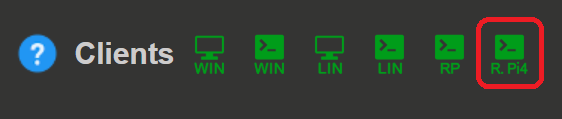
Unzip the downloaded file.
Upload the client to the Raspberry Pi using the
scpcommand in the terminal. The client should be uploaded to the/home/root/directory.Establish an SSH connection to the Raspberry Pi using the
sshcommand in the terminal.ssh root@<Raspberry_Pi_IP_address>Make the client executable by running the following command in the terminal:
chmod +x rpsa_client convert_toolLoad the
stream_appFPGA image:raspberrypi> overlay.sh stream_appGet the configuration file and edit it from the command line on the Raspberry Pi.
raspberrypi> ./rpsa_client -c -g F -v
raspberrypi> nano ./configs/config_<Raspberry_Pi_IP_address>.json
Update the configuration file with the desired settings.
raspberrypi> ./rpsa_client -c -s F -f ./configs/config_<Raspberry_Pi_IP_address>.json -vStart the streaming server.
raspberrypi> ./rpsa_client -s -f bin -m raw -l 1024 -v
For more information on the configuration parameters, please refer to the rpsa_client documentation.