DAC API Streaming Tutorial
This tutorial demonstrates how to stream waveform data to Red Pitaya DAC outputs using the streaming client library. You’ll learn how to generate custom waveforms, configure playback parameters, and efficiently stream signals using the API.
Overview
This example shows a complete implementation of DAC streaming with:
Custom waveform generation (sine wave example)
Configurable DAC sample rate (up to 125 MS/s)
WAV file format support for waveform data
Repeat mode configuration (finite or infinite)
Real-time streaming monitoring via callbacks
Automatic playback control and synchronization
Complete source code: View stream_dac_1.py on GitHub →
Prerequisites
Hardware:
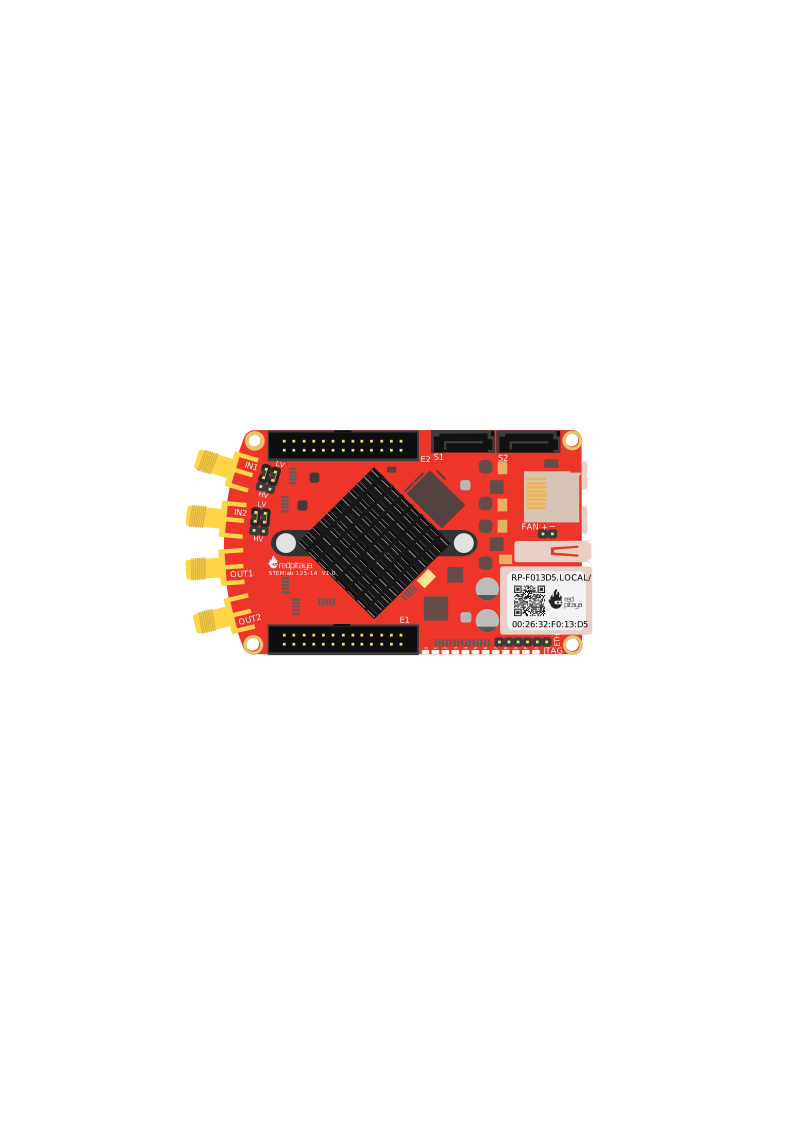
Red Pitaya device (any model)
Software:
Python 3.8 or newer / C++ compiler
Red Pitaya streaming library (included in the Streaming command line client)
Python: NumPy and SciPy libraries:
pip install numpy scipyStreaming application running on Red Pitaya (see Quick Start)
Key Concepts
Architecture
The example uses a callback-based architecture for monitoring DAC streaming:
Your Computer                           Red Pitaya
+---------------------+                +------------------+
| DACStreamClient     |    TCP/IP      | Streaming Server |
|   |                 |--------------->|   |              |
|   +--> connect()    |                |   +--> FPGA DAC  |
|   +--> sendConfig() |                |                  |
|   +--> startStream()|                |   Deep Memory    |
|                     |                |   Buffer (4 MB)  |
| Callback Class      |                +------------------+
|   +--> sentPack()   |---> Monitors data sent
|         +--> Count  |
+---------------------+
Note
The code examples below are simplified for clarity. For complete, production-ready code with full error handling, see the complete example on GitHub.
DAC Rate Configuration
Red Pitaya DAC runs at a base rate of 125 MS/s. You can configure the exact sample rate:
Common configurations:
DAC Rate |
Samples/Second |
Use Case |
|---|---|---|
125 MS/s |
125,000,000 |
Maximum bandwidth |
62.5 MS/s |
62,500,000 |
High-speed signals |
15.625 MS/s |
15,625,000 |
Audio-range signals |
1 MS/s |
1,000,000 |
Low-frequency control |
Implementation Walkthrough
Step 1: Generate Custom Waveform
First, create the waveform data you want to output. This example generates a sine wave and saves it as a WAV file:
import numpy as np
from scipy.io.wavfile import write

# Waveform parameters
waveform_frequency = 1          # 1 Hz sine wave
waveform_samples = 1024 * 4     # 4096 samples
wav_filename = "sin.wav"

# Generate sine wave
t = np.linspace(0., 1., waveform_samples)
amplitude = np.iinfo(np.int16).max  # Maximum int16 value
data = amplitude * np.sin(2. * np.pi * waveform_frequency * t)

# Save as WAV file (16-bit PCM format)
write(wav_filename, waveform_samples, data.astype(np.int16))
print(f"Waveform saved to '{wav_filename}'")
#include <fstream>
#include <vector>
#include <cmath>

// WAV file header structure
struct WavHeader {
    char riff[4] = {'R', 'I', 'F', 'F'};
    uint32_t fileSize;
    char wave[4] = {'W', 'A', 'V', 'E'};
    char fmt[4] = {'f', 'm', 't', ' '};
    uint32_t fmtSize = 16;
    uint16_t audioFormat = 1;  // PCM
    uint16_t numChannels = 1;
    uint32_t sampleRate;
    uint32_t byteRate;
    uint16_t blockAlign;
    uint16_t bitsPerSample = 16;
    char data[4] = {'d', 'a', 't', 'a'};
    uint32_t dataSize;
};

// Generate sine wave and save as WAV
void generateWaveform(const char* filename, int samples) {
    std::vector<int16_t> waveform(samples);

    // Generate sine wave
    for (int i = 0; i < samples; i++) {
        double t = (double)i / samples;
        waveform[i] = 32767 * sin(2.0 * M_PI * t);
    }

    // Write WAV file
    WavHeader header;
    header.sampleRate = samples;
    header.byteRate = samples * 2;
    header.blockAlign = 2;
    header.dataSize = samples * 2;
    header.fileSize = 36 + header.dataSize;

    std::ofstream file(filename, std::ios::binary);
    file.write((char*)&header, sizeof(WavHeader));
    file.write((char*)waveform.data(), samples * 2);
}
Key points:
WAV format uses 16-bit signed integers (-32768 to 32767) - gets converted to 14-bit DAC voltage internally (lowest 2 bits ignored on most boards)
Sample rate in WAV header doesn’t affect DAC rate (set separately in config)
Waveform repeats seamlessly if size fits in memory
Step 2: Create Callback Handler
Implement a callback class to monitor streaming events:
import streaming

class Callback(streaming.DACCallback):
    def __init__(self):
        streaming.DACCallback.__init__(self)
        self.counter = 0  # Count packets sent

    def sentPack(self, client, ch1_size, ch2_size):
        """Called when data packet is sent to DAC"""
        self.counter += 1

    def connected(self, client, host):
        print(f"DAC client connected: {host}")

    def error(self, client, host, code):
        print(f"Error on {host}, code: {code}")
        client.notifyStop()

    def stoppedFileEnd(self, client, host):
        print(f"Playback finished: {host}")
        client.notifyStop()
#include "streaming.h"

class Callback : public rp_dac_api::DACCallback {
private:
    int counter = 0;

public:
    void sentPack(
        rp_dac_api::DACStreamClient *client,
        uint64_t ch1_size,
        uint64_t ch2_size) override
    {
        counter++;
    }

    void connected(
        rp_dac_api::DACStreamClient *client,
        std::string host) override
    {
        std::cout << "DAC client connected: " << host << std::endl;
    }

    void error(
        rp_dac_api::DACStreamClient *client,
        std::string host,
        rp_dac_api::error_codes code) override
    {
        std::cout << "Error on " << host << ", code: " << (int)code << std::endl;
        client->notifyStop();
    }

    void stoppedFileEnd(
        rp_dac_api::DACStreamClient *client,
        std::string host) override
    {
        std::cout << "Playback finished: " << host << std::endl;
        client->notifyStop();
    }

    int getCounter() { return counter; }
};
Callback methods:
sentPack()- Called when data packet is sent to DACconnected()- Client connected to servererror()- Error occurred during streamingstopped*()- Various stop conditions (file end, memory error, etc.)
Step 3: Initialize Streaming Client
Create the client and register your callback:
# Create client and callback
client = streaming.DACStreamClient()
callback = Callback()

# Register callback (transfers ownership to client)
client.setCallbackFunction(callback.__disown__())

# Optional: Enable verbose logging
client.setVerbose(True)
// Create client and callback
auto client = rp_dac_api::DACStreamClient::Create();
auto callback = new Callback();

// Register callback
client->setCallbackFunction(callback);

// Optional: Enable verbose logging
client->setVerbose(true);
Step 4: Connect to Red Pitaya
Establish TCP/IP connection to the streaming server:
if not client.connect():
    print("ERROR: Failed to connect to DAC streaming server")
    exit(1)

print("Connected successfully")
if (!client->connect()) {
    std::cerr << "ERROR: Failed to connect to DAC streaming server" << std::endl;
    return 1;
}

std::cout << "Connected successfully" << std::endl;
Before connecting, ensure:
Red Pitaya is powered on and network-accessible
Streaming FPGA image is loaded:
overlay.sh stream_appStreaming server is running:
streaming-server
Step 5: Configure DAC Parameters
Set the DAC rate, memory allocation, and playback mode:
dac_rate = 125000000        # 125 MS/s
block_size = 16384          # Network packet size
dac_memory = 1638400        # Memory for DAC buffer

# Configure DAC streaming
client.sendConfig('dac_pass_mode', 'NET')
client.sendConfig('dac_rate', f'{dac_rate}')
client.sendConfig('block_size', f'{block_size}')
client.sendConfig('dac_size', f'{dac_memory}')

# Configure repeat mode
client.setRepeatInf(False)      # False = finite repeat
client.setRepeatCount(2)        # Repeat 2 times
uint32_t dac_rate = 125000000;      // 125 MS/s
uint32_t block_size = 16384;        // Network packet size
uint32_t dac_memory = 1638400;      // Memory for DAC buffer

// Configure DAC streaming
client->sendConfig("dac_pass_mode", "NET");
client->sendConfig("dac_rate", std::to_string(dac_rate));
client->sendConfig("block_size", std::to_string(block_size));
client->sendConfig("dac_size", std::to_string(dac_memory));

// Configure repeat mode
client->setRepeatInf(false);        // false = finite repeat
client->setRepeatCount(2);          // Repeat 2 times
Configuration parameters:
dac_pass_mode- Set to'NET'for network streaming (vs. SD card file)dac_rate- DAC sampling rate in Hz (max 125000000)block_size- Network packet size in bytes. For long waveforms, larger sizes improve efficiency (8192-65536 for short waveforms, 1048576-2097152 for long waveforms).dac_size- Reserved memory for DAC buffer in bytessetRepeatInf()-Truefor continuous playback,Falsefor finitesetRepeatCount()- Number of times to repeat waveform
Step 6: Start Streaming
Stream the WAV file to the DAC:
# Start streaming from WAV file
if not client.startStreamingWAV("./sin.wav"):
    print("ERROR: Failed to start DAC streaming")
    exit(1)

print("Streaming started - outputting waveform to DAC")

# Wait for streaming to complete
client.wait()

print(f"Total packets sent: {callback.counter}")
// Start streaming from WAV file
if (!client->startStreamingWAV("./sin.wav")) {
    std::cerr << "ERROR: Failed to start DAC streaming" << std::endl;
    return 1;
}

std::cout << "Streaming started - outputting waveform to DAC" << std::endl;

// Wait for streaming to complete
client->wait();

std::cout << "Total packets sent: " << callback->getCounter() << std::endl;
Streaming methods:
startStreamingWAV(filename)- Stream waveform from WAV filewait()- Block until streaming completesnotifyStop()- Manually stop streaming (called from callback)
Complete Example Code
Full working example combining all steps:
import streaming
import numpy as np
from scipy.io.wavfile import write

# Callback class
class Callback(streaming.DACCallback):
    def __init__(self):
        streaming.DACCallback.__init__(self)
        self.counter = 0

    def sentPack(self, client, ch1_size, ch2_size):
        self.counter += 1

    def connected(self, client, host):
        print(f"Connected: {host}")

    def stoppedFileEnd(self, client, host):
        print("Playback finished")
        client.notifyStop()

# Generate waveform
samples = 1024 * 4
t = np.linspace(0., 1., samples)
data = 32767 * np.sin(2. * np.pi * t)
write("sin.wav", samples, data.astype(np.int16))

# Create client
client = streaming.DACStreamClient()
callback = Callback()
client.setCallbackFunction(callback.__disown__())

# Connect and configure
if not client.connect():
    exit(1)

client.sendConfig('dac_pass_mode', 'NET')
client.sendConfig('dac_rate', '125000000')
client.setRepeatCount(2)

# Start streaming
if not client.startStreamingWAV("./sin.wav"):
    exit(1)

client.wait()
print(f"Packets sent: {callback.counter}")
#include "streaming.h"
#include <iostream>
#include <fstream>
#include <vector>
#include <cmath>

// Callback class
class Callback : public rp_dac_api::DACCallback {
private:
    int counter = 0;

public:
    void sentPack(rp_dac_api::DACStreamClient *client,
                 uint64_t ch1, uint64_t ch2) override {
        counter++;
    }

    void connected(rp_dac_api::DACStreamClient *client,
                  std::string host) override {
        std::cout << "Connected: " << host << std::endl;
    }

    void stoppedFileEnd(rp_dac_api::DACStreamClient *client,
                       std::string host) override {
        std::cout << "Playback finished" << std::endl;
        client->notifyStop();
    }

    int getCounter() { return counter; }
};

// Generate WAV file (simplified - see Step 1 for full version)
void generateWaveform(const char* filename, int samples) {
    // Implementation from Step 1...
}

int main() {
    // Generate waveform
    generateWaveform("sin.wav", 4096);

    // Create client
    auto client = rp_dac_api::DACStreamClient::Create();
    auto callback = new Callback();
    client->setCallbackFunction(callback);

    // Connect and configure
    if (!client->connect()) return 1;

    client->sendConfig("dac_pass_mode", "NET");
    client->sendConfig("dac_rate", "125000000");
    client->setRepeatCount(2);

    // Start streaming
    if (!client->startStreamingWAV("./sin.wav")) return 1;

    client->wait();
    std::cout << "Packets sent: " << callback->getCounter() << std::endl;

    return 0;
}
Common Issues and Solutions
Streaming Doesn’t Start
Symptoms:
connect()returns FalseNo waveform on oscilloscope
Solutions:
Verify streaming server is running on Red Pitaya:
redpitaya> ps | grep streaming-serverCheck FPGA image is loaded:
redpitaya> overlay.sh stream_appVerify network connection and IP address
Waveform Clipped or Distorted
Symptoms:
Output signal clipped at peaks
Unexpected waveform shape
Solutions:
Check waveform amplitude (max ±32767 for int16)
Verify DAC gain settings (SIGNALlab only):
channel_gain_1andchannel_gain_2Ensure waveform data is correctly formatted as 16-bit signed integers
Calibrate the Red Pitaya board using the calibration app
Memory Allocation Errors
Symptoms:
stoppedMemError()callback triggeredStreaming stops unexpectedly
Solutions:
Increase
dac_sizeparameter to accommodate waveformCheck available DMM memory through the System info or DMM check reserved memory section
Increase Red Pitaya DDR allocation for DMM if necessary
Reduce waveform size or use repeat mode for large signals
Next Steps
Now that you understand basic DAC streaming:
Custom waveforms - Generate complex arbitrary signals
Dual-channel - Output different signals on CH1 and CH2
Synchronized ADC+DAC - Stimulus-response measurements
Real-time modulation - Update waveforms during playback
Complete Source Code
View the complete, production-ready implementation: stream_dac_1.py on GitHub →
The GitHub version includes:
Full error handling and validation
Detailed inline comments
Additional callback handlers
Configuration examples